Getting started
Install MovesBook
Get MovesBook on your iPhone, iPad or Android phone, or open it in a web browser.
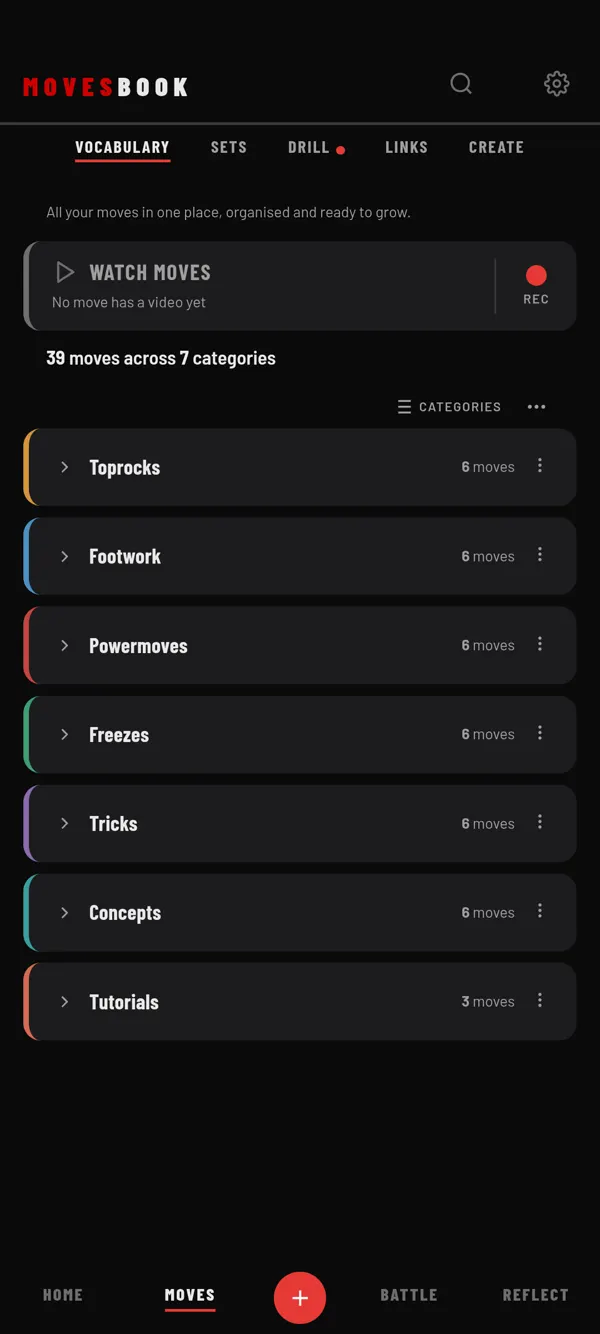
Steps
- On an iPhone or iPad, open MovesBook on the App Store. On Android, open MovesBook on Google Play.
- Tap the store's install button.
- Open MovesBook.
- Answer "When were you born?" and tap CONTINUE. The app asks this once.
- Sign in, create an account, or tap Continue without account.
To sign in or make an account, see Create an account or sign in.
Use the web app
On a computer, or in any web browser, go to app.movesbook.app. There is nothing to install.
Phone app or web app?
Both have the same four tabs and the same tools. A few things need the phone app, because they use your phone's files and camera:
- Adding videos and photos from your phone to a move.
- Recording a video on a move with RECORD.
- Replay Cam.
In the web app you can still add a video link to a move.
Last checked against app version 2.8.0.