Create new moves
Dance to music with Flow
- Free
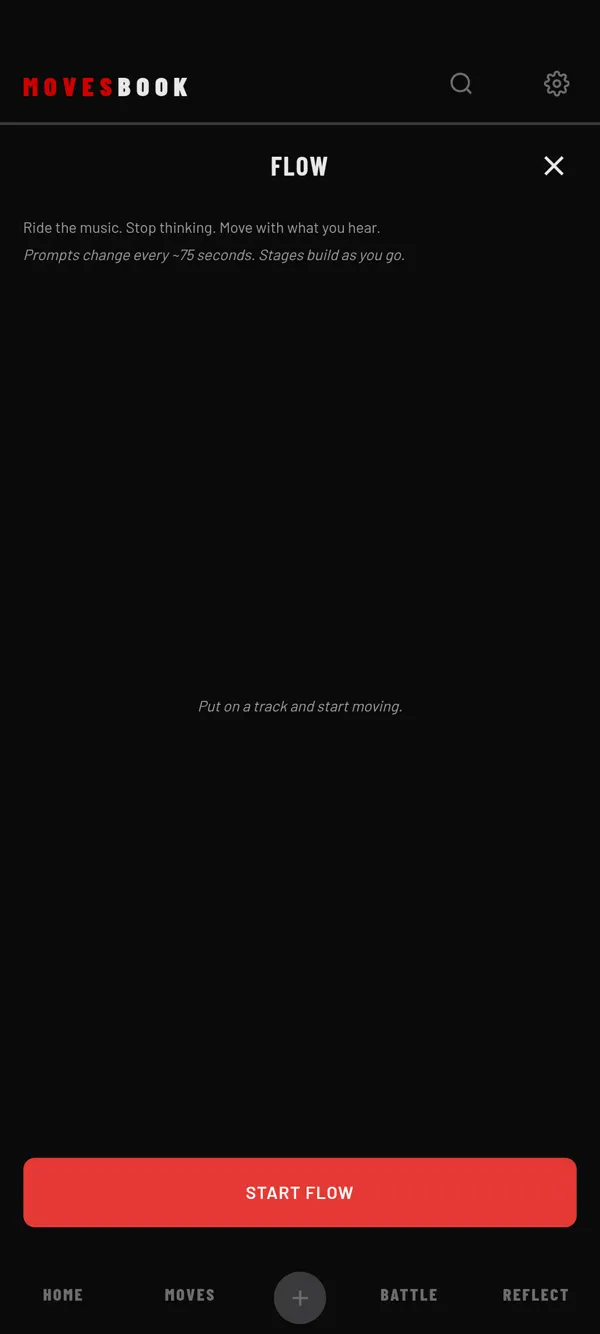
Put on your own music and freestyle while Flow shows a new prompt about every 75 seconds.
Steps
- Put on a track. MovesBook does not play music, so use your own speaker or music app.
- Tap MOVES, then CREATE.
- Tap FLOW.
- Tap START FLOW.
- Move to the music and follow the prompt on the screen.
- Tap DONE when you want to stop. Flow saves right away and shows "Session logged".
- Write what clicked under TRAINING LOG, if you want.
- Tap DONE to close.
What you see while you dance
- A clock that counts up from 00:00. There is no time to set and no pause.
- One prompt at a time, like "Find the snare. Let your body hit it." A new one fades in about every 75 seconds.
- There are 12 prompts, always in the same order. After the 12th, they start again.
- The stage at the top:
- STAGE 1 · FINDING THE BEAT for the first 3 prompts.
- STAGE 2 · ALIGNING TO ELEMENTS from about 3:45.
- STAGE 3 · PLAYING WITHIN THE MUSIC from about 7:30.
After DONE, you see SESSION LENGTH, PROMPTS (how many you saw) and STAGE (the last one you reached).
Free to use
Flow has no daily limit and no counter. With Premium, closing Flow after a saved session asks "Note for next time?". See Leave a note for your next session.
Where it shows later
Your Flow sessions are in the day view of MY BOOK, under SESSIONS. Each one shows its length, the stage you reached and your note. Flow sessions are not listed in REFLECT › SESSIONS.
Last checked against app version 2.8.0.