My Book & progress
Set a goal for the month
- Free
Write one goal in your own words on a month page in My Book, and change or clear it later.
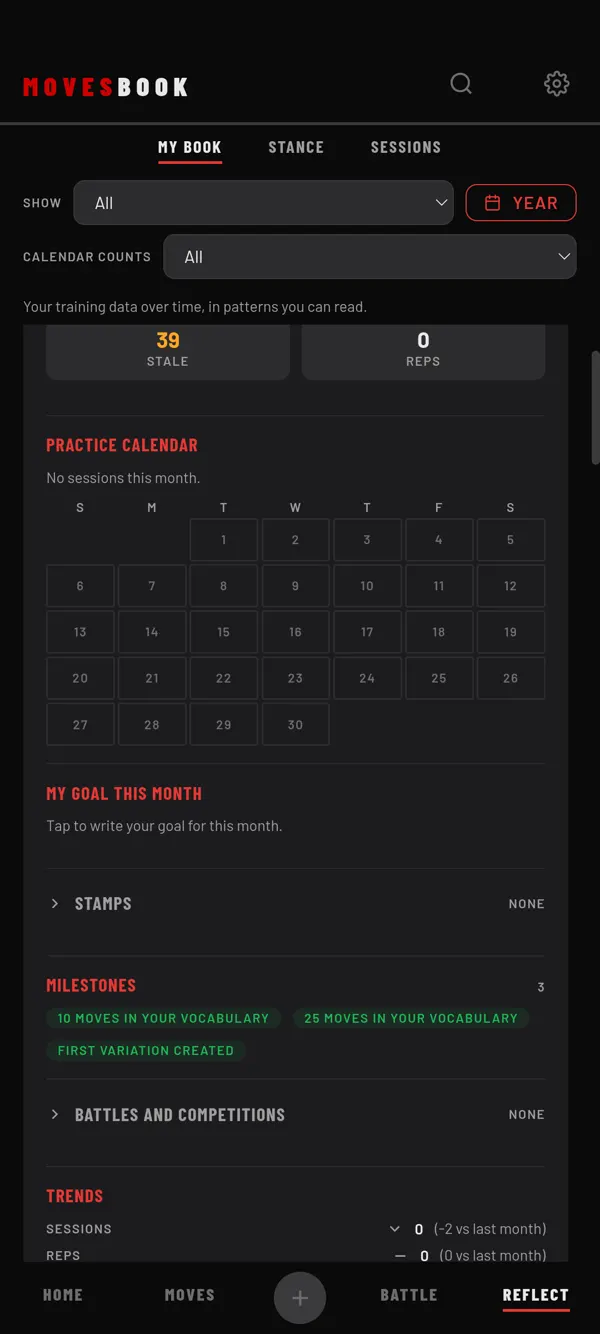
Steps
- Tap REFLECT, then MY BOOK.
- Find the month you want. This month is at the top.
- Under MY GOAL THIS MONTH, tap Tap to write your goal for this month.
- Type your goal in the box. Use your own words.
- Tap SAVE.
Your goal now shows on that month's page.
Change or clear it
- Tap the goal text.
- Edit it, then tap SAVE.
To remove the goal, delete all the text and tap SAVE. Tap CANCEL to leave it as it was.
Keep last month's goal
If this month has no goal yet but last month had one, you see USE LAST MONTH'S GOAL. Tap it to copy last month's goal to this month straight away.
Last checked against app version 2.8.0.