Video
Where your videos are kept
- Free
Your phone videos and photos stay on your phone. Learn what that means for space, other devices and backups.
On this phone only
When you add a video or photo on the phone app, MovesBook makes its own copy. The copy lives inside the app on this phone.
- It is never uploaded to the cloud.
- It uses space twice: your original and MovesBook's copy.
- Removing it from a move deletes only MovesBook's copy. The original stays on your phone.
Videos you record with RECORD, Replay Cam or Record this session are kept the same way.
Video links are different. A link is saved with your move, so it works on the phone app, the web app and every device.
On another device
Your moves sync, so the video's row shows on your other phone too. But the file does not travel.
- There the row is dimmed and says Not on this phone. Tapping it says This file is on another device. Use Backup and restore to bring it over.
- The web app never shows phone videos or photos.
- File missing means the file is gone from this phone. You can only remove the row.
Keep a copy
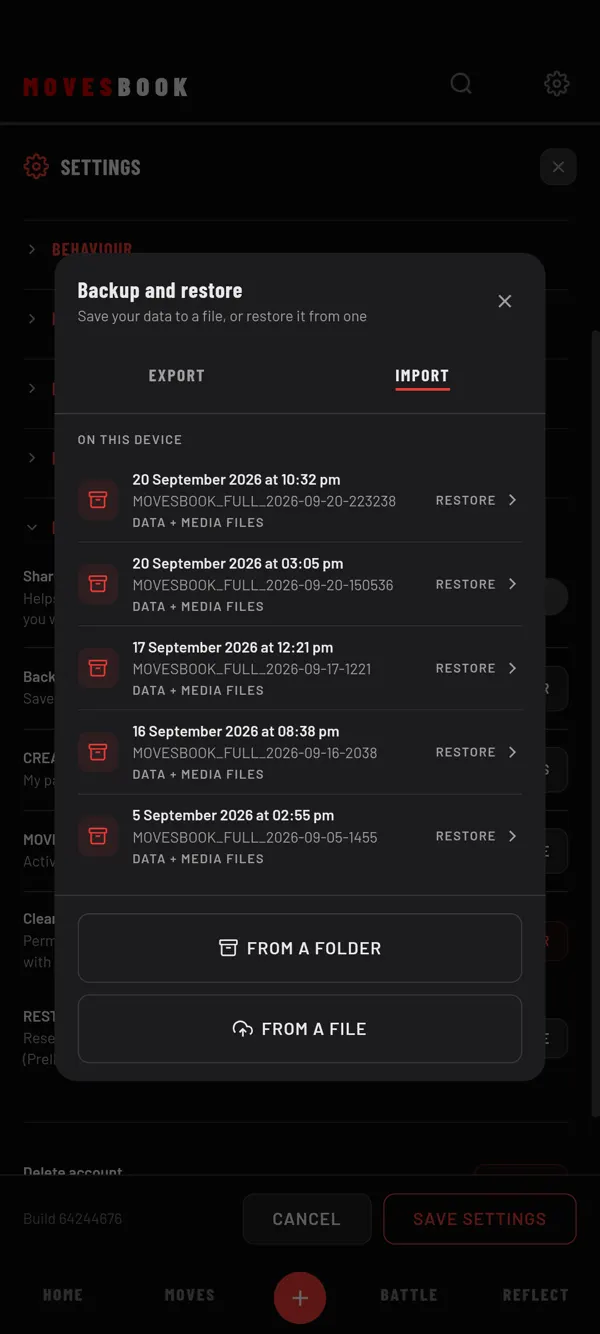
A normal backup file does not hold your videos and photos. On the phone app, choose Data + media files when you back up. It saves your data and your media files in one folder. See Back up your MovesBook and Restore a backup.
When files are deleted
- Deleting a move sends it to the bin. Its videos and photos are deleted when the move is deleted for good. A file that another move, set or session still uses stays.
- When you sign out, Clear this phone deletes all of MovesBook's videos and photos on this phone.
Last checked against app version 2.8.0.