Your moves
Install a creator pack
Add a pack of moves from a creator to your library, reinstall your packs on a new device, or remove one.
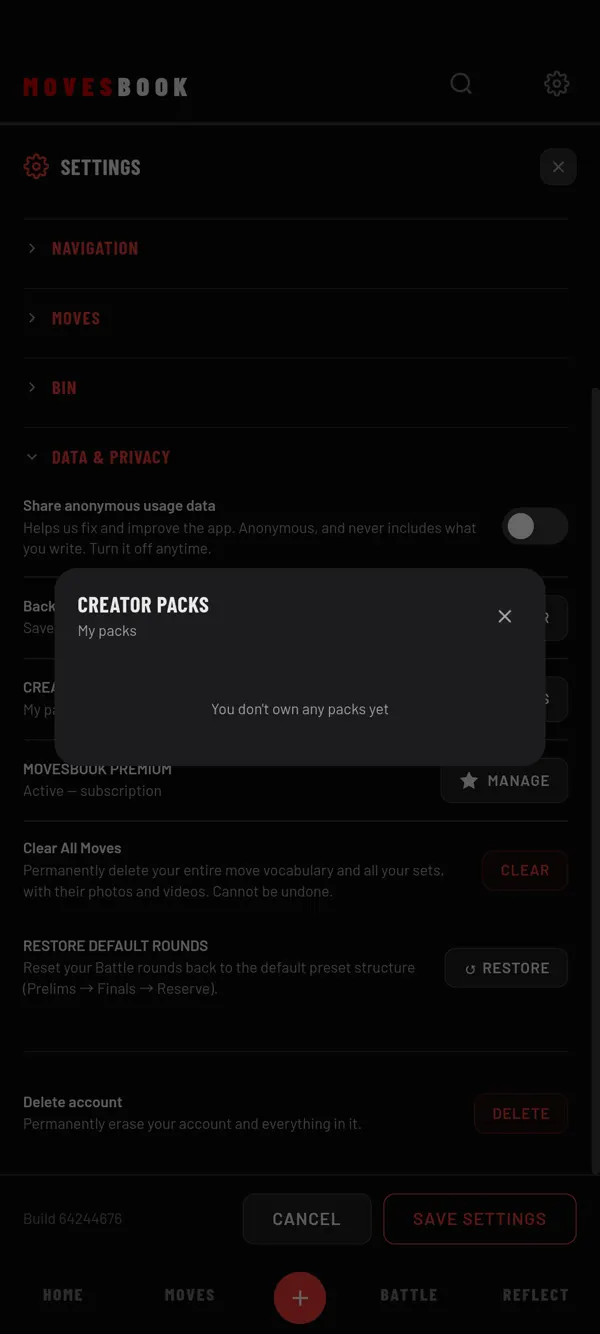
A creator pack is a set of moves made by a creator. Installing it adds its moves to your library. Your own moves and data stay as they are. You need to be signed in.
Install from a pack link (web app)
- Open the pack link you got from the creator. It opens the web app.
- Sign in if asked.
- CREATOR PACKS opens with the pack's name.
- Tap INSTALL.
The app reloads, and the pack's moves are in your library.
Install with a code (web app)
- Open Settings (the gear, top right) › DATA & PRIVACY.
- Next to CREATOR PACKS, tap REDEEM CODE.
- Type your code in "Enter your code".
- Tap REDEEM, then INSTALL.
Your packs in the phone app
- Open Settings (the gear, top right) › DATA & PRIVACY.
- Next to CREATOR PACKS, tap MY PACKS.
- Tap Reinstall next to a pack you own.
MY PACKS lists every pack your account owns, on the web app too. Use Reinstall on a new device.
Free and Premium
A free account keeps one creator pack open to use. At the start, that is the first pack you installed. You can still install more packs, but their moves show greyed out with a lock, and the chip says Locked. Tapping one of those moves explains why, with NOT NOW and SEE PLANS.
To choose a different pack as your free one, tap Keep this one free instead. You can do this once every 30 days.
With Premium or the free trial, all your packs can be used. See the pricing.
Remove a pack
In MY PACKS, tap Remove pack, then REMOVE PACK again to confirm. Its moves leave your library. Your notes on them are kept.
Last checked against app version 2.8.0.