Your moves
Memorize your sets with Flash Cards
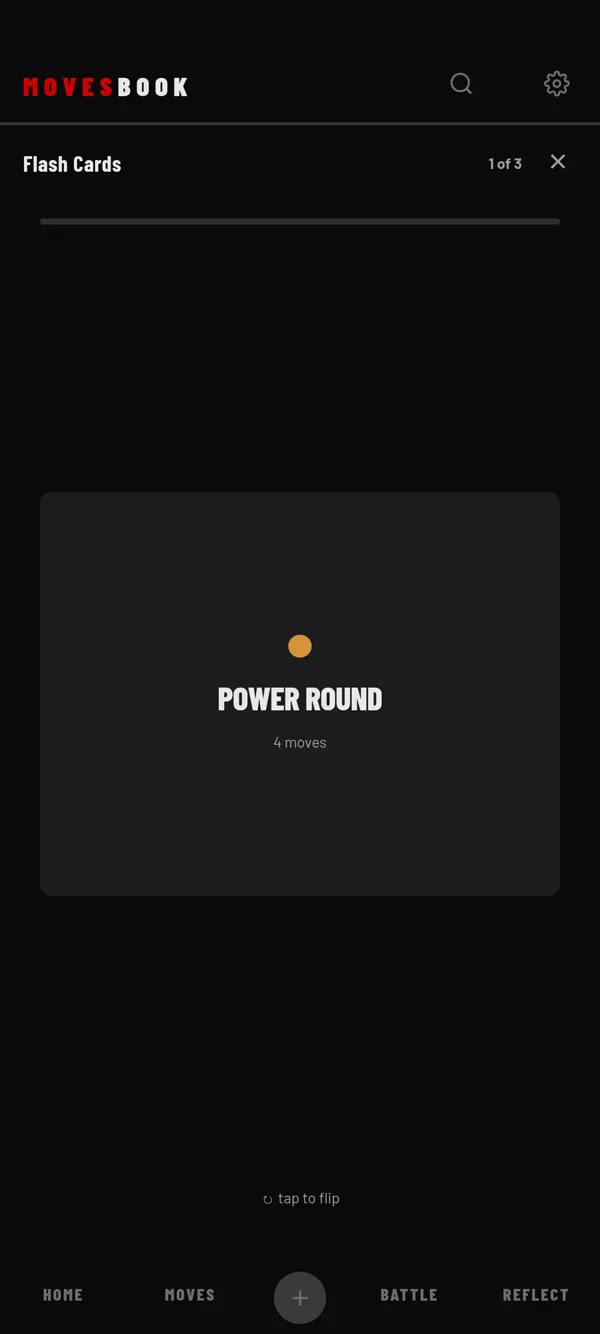
Test yourself on your sets. See a set's name, recall its moves, then flip the card to check.
Steps
- Tap MOVES, then SETS.
- Tap MEMORIZE YOUR SETS.
- Tap SETS in the list to open it. Tick the sets you want, at least 2.
- Tap FLASH CARDS. The cards are shuffled.
- Read the set name on the card and say its moves in your head.
- Tap the card to flip it and check.
- Tap GOT IT or MISSED IT.
The top of the screen shows your place, for example "2 of 5".
At the end
You see your score as a %, and NEW BEST! when you beat your best score. Under SETS MISSED you see the sets to work on.
- Tap RETRY MISSED to go again with only those sets.
- Tap DONE to finish.
Each round is saved in your sessions on REFLECT. See Review your training sessions.
Which sets can be used
Only sets with 2 or more moves are listed. The MEMORIZE YOUR SETS tile only shows once at least one set has 2 moves. The back of a card groups the moves by category. If the set has transitions, it shows the moves in order, with the transitions.
Free and Premium
Free: up to 3 sets per round. The first 3 sets start ticked, and the bottom of the list counts them, like "3 of 3 sets". Ticking a 4th set opens the plans sheet. With Premium or the free trial, there is no counter. See What's free and what Premium adds and the pricing.
Last checked against app version 2.8.0.